
Scan the QR code to add the official WhatsApp account and send your application.

Add published vision AI tasks to security, retail, and operational workflows—from face and person analysis to shelf status, staff conduct, and heatmap analytics.
Smart Analysis Algorithms are Imou vision AI capabilities for general image analysis and industry workflows. The published catalog includes face libraries, face analysis, person analysis, smoking, phone use, shelf status, trash overflow, absence, uniform checks, and heatmaps. The product page describes these capabilities as APIs, but it does not publish their method names or request and response schemas.
Match the vision algorithm to the business requirement you need to solve.
Verify the corresponding API and confirm that the device supports image capture.
After confirming the requirements above, complete the cloud integration and begin using the service.
Adjust recognition accuracy and sensitivity based on results from the deployment environment.
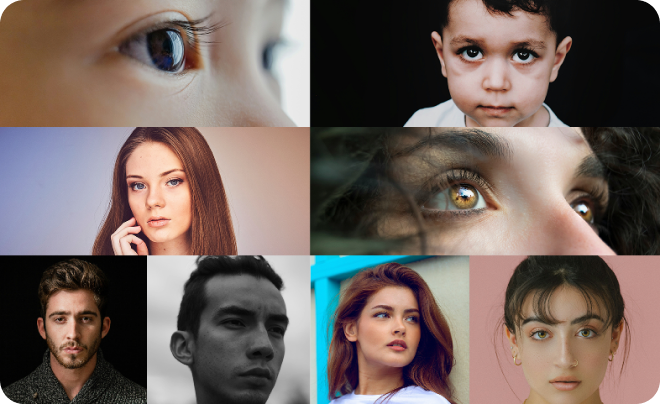
Create detection libraries and enroll faces, bodies, or uniform profiles.
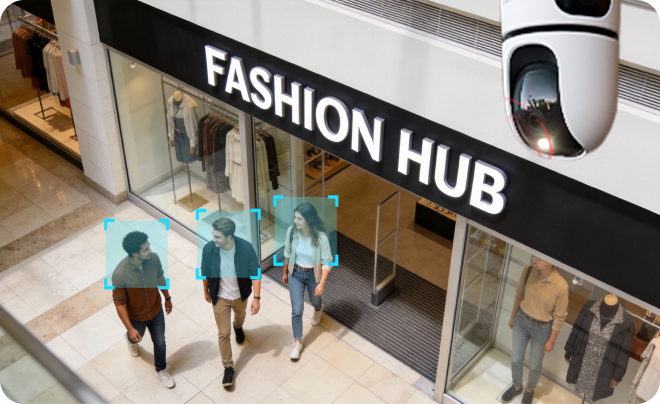
Detect and analyze faces in an image or video frame.

Detect and analyze a full-body person in the frame.
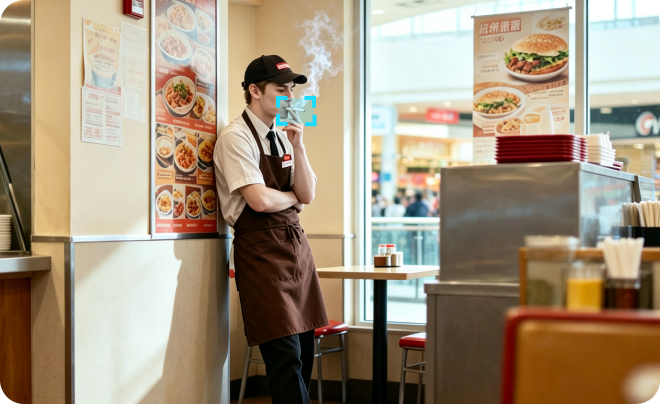
Flag smoking behavior when it appears in view. This is not the same as an equipment smokeAlarm event.
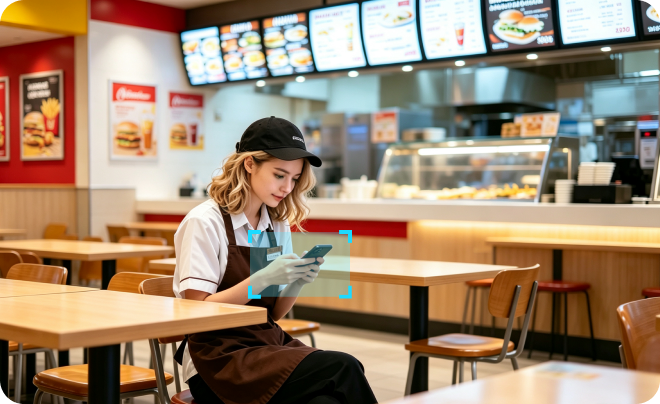
Identify whether employees are using mobile phones.
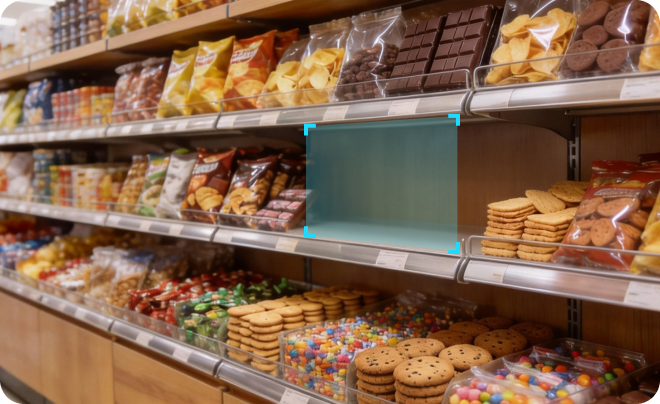
Find empty shelves and other shelf anomalies. SKU and inventory counts are not published capabilities.
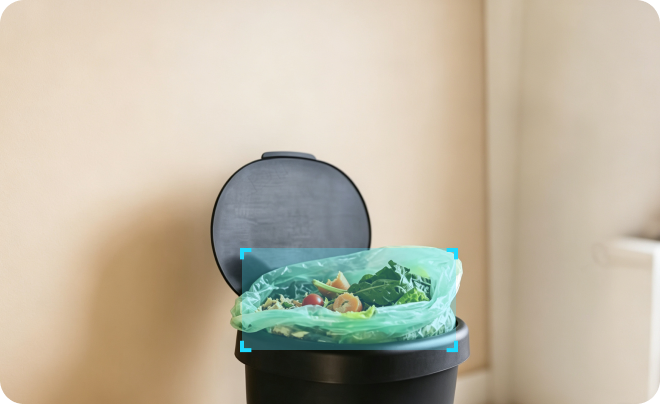
Detect bins that are full or overflowing.

Check whether staff are present at critical posts.

Verify whether staff wear the required uniform.
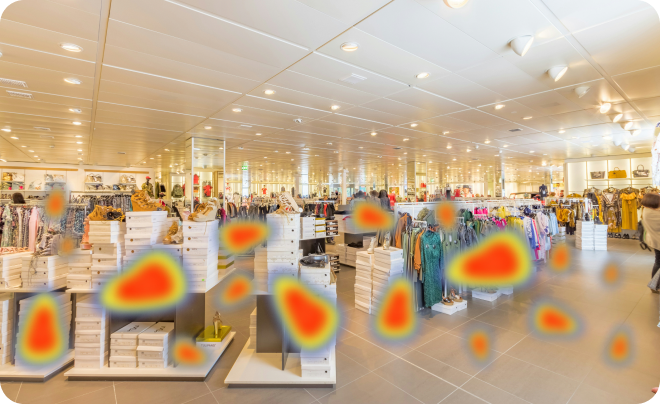
Create heatmaps for crowd density, dwell time by zone, and shopper paths.
Contact Us to discuss requirements that are not listed in the published catalog.
Every user can claim 1,000 free quota—about 1,000 images analyzed by Imou's Smart Analysis Algorithms at no cost. Apply through either official channel below; once your application is confirmed, the free quota is activated on your account.
Limited to one claim per user. The free quota is intended for testing and evaluating the Smart Analysis Algorithms before integration.
Scan the QR code to add the official WhatsApp account and send your application.
Send your account information to the official team to apply for the free trial.
cloud_openteam_intl@imou.com
Combine smoking, phone-use, absence, and uniform checks; use shelf status for replenishment and heatmaps for dwell and paths.

Review uniform and overflowing-trash alerts, and track whether critical stations are covered. The page mentions masks but lists no separate mask algorithm.
Use face and person analysis for identification and cross-camera paths; combine person detection and heatmaps for zone counts and density.
Choose a published task, confirm device capabilities when your design depends on a device enable, keep credentials on your server, and implement only after the current developer documentation provides the API method.
Authorize the SaaS tenant first, map the user to an allowed camera, call the platform from your server using the regional host and signed request, and store results under the same tenant boundary.
Use Shelf Status Detection for empty shelves and other shelf anomalies. The product page does not claim SKU recognition, planogram scoring, or inventory counts.
Use Smoking Detection for behavior visible on camera and Absence Detection for presence at critical posts. Do not equate smoking behavior with the documented smokeAlarm equipment event.
Use the published API catalog when your task appears in it. For an unlisted task, contact Imou or build a model you own. The page does not publish a model-training API.
Check the task name, current API method, input and output schema, regional host, signing rules, permissions, device capability dependencies, supported-device matrix, pricing, and production limits.
Define the task using the product page, label examples from your own environment, include realistic negative cases, and report measurements as your test results. No vendor accuracy figure is published on this page.
Each user gets 1,000 free AI analyses (once per account). Apply via WhatsApp or email.