
Message Push
Deliver device alerts to your backend in real time—so your apps can react the moment something happens.
Overview
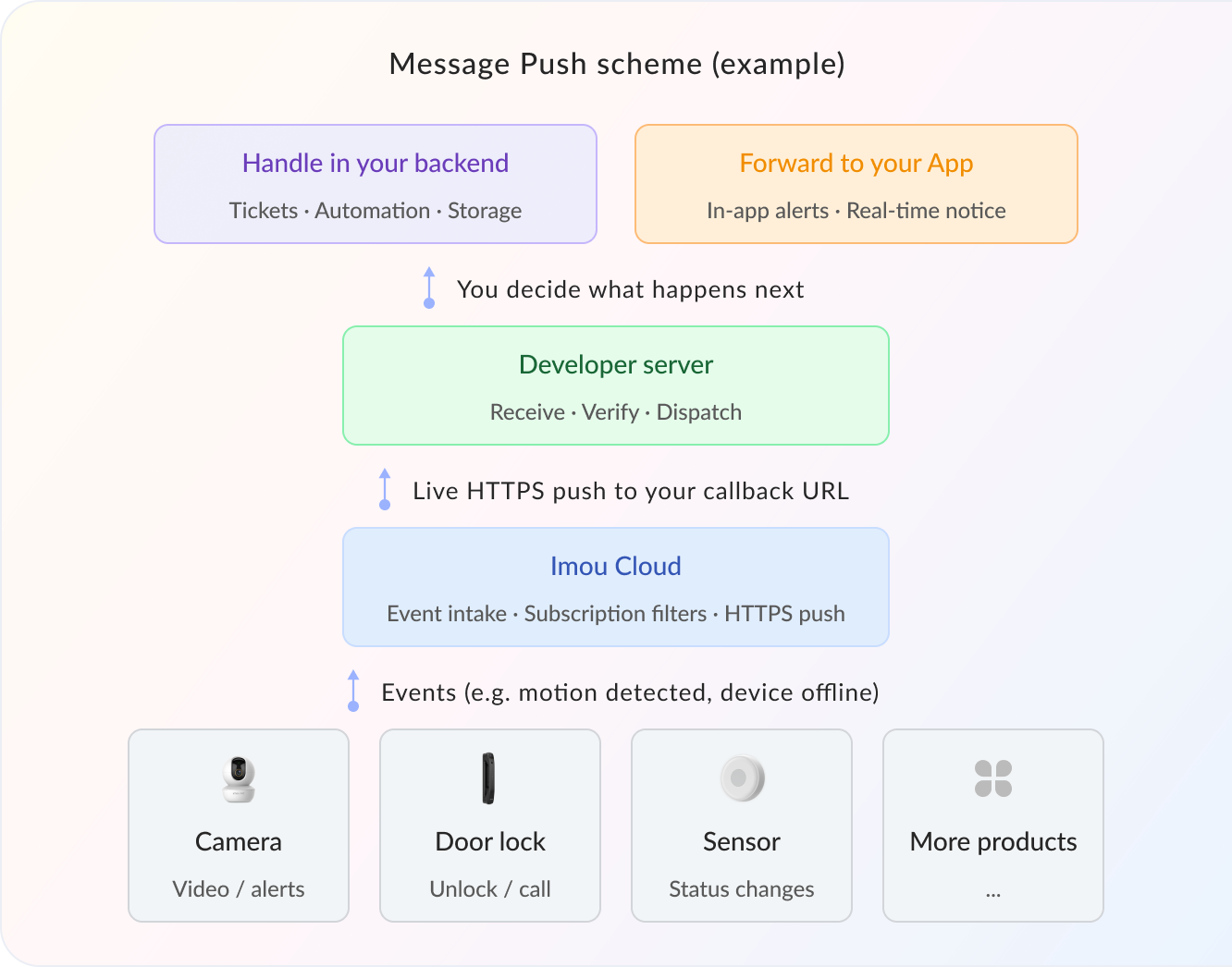
Message Push
Message Push is Imou Cloud’s real-time event notification service. When a device on your account—cameras, door locks, sensors, and more—raises an event such as motion detected or device offline, the platform posts that payload over HTTPS to the callback URL you configure. After you receive it, you can process the event in your own systems, or forward it to the App you build.
Supported Message Types

Alarm messages
Scene change, human detection, smoke detection, camera obstruction, and other security alerts

Device Status Updates
Online / offline transitions, device rename events, and other lifecycle status changes

Thing Model (IoT) Messages
Property reports and device events from IoT Thing Model integrations

Footfall Statistics
Visitor counts, dwell / linger detections, and related traffic analytics payloads

AI Detection Messages
Face recognition, human detection, vehicle intrusion, and other intelligent detections
Advantages

Built for Scale
Delivers10 billion+messages daily with the reliability needed for large device fleets

Sub-500ms Delivery
Typical push latency under500ms—so alerts reach your backend almost instantly

Minutes to Integrate
Set a callback URL, pick subscription types, and start receiving events
Use Cases
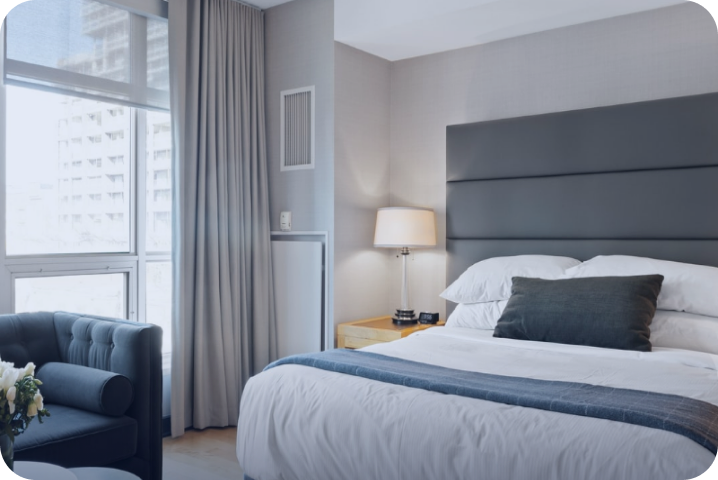
Smart Home
Home SecurityGet intrusion alerts, camera obstruction, and device-offline events in real time—so you always know what’s happening around the home.
Visitors & AccessRespond remotely to doorbell rings, door-open events, and package / unattended-item detections for guests and deliveries.
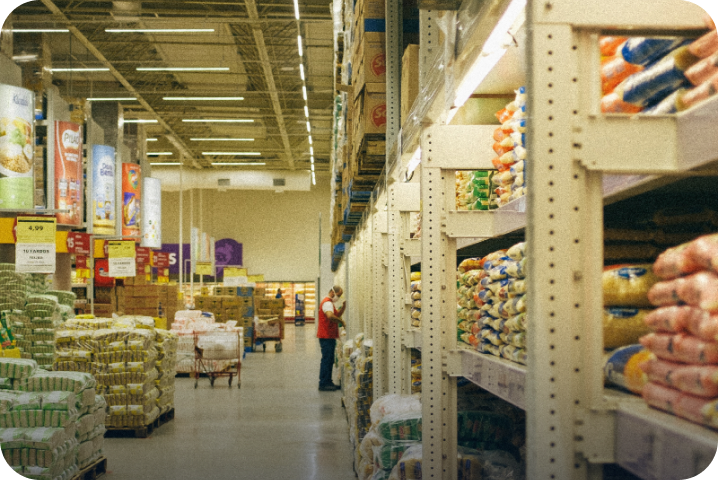
Retail Chains
Footfall AnalyticsTrack store traffic and lingering visitors with precision—fuel better staffing and operations decisions.
Store SecurityPush zone intrusion, smoke, and related alarms the moment they fire—to help protect inventory and premises.
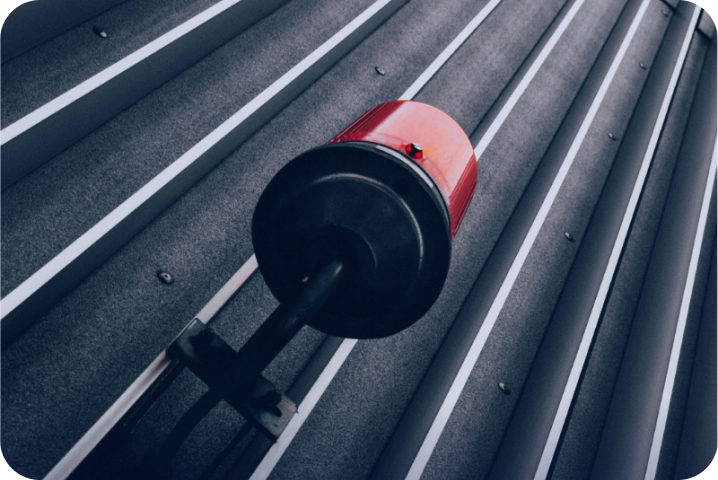
Industrial Safety
Equipment & Fire SafetyReceive water-leak, smoke / fire, and gas alarms in real time to keep production sites safer.
Restricted-Area AlertsWhen someone enters a hazardous or off-limits zone, push an alert immediately to protect on-site workers.
Get started

'%3e%3cpath%20d='M1%208C1.55228%208%202%208.44772%202%209C2%209.55228%201.55228%2010%201%2010H-1V8H1ZM9%208C9.55229%208%2010%208.44772%2010%209C10%209.55228%209.55229%2010%209%2010H7C6.44772%2010%206%209.55228%206%209C6%208.44772%206.44772%208%207%208H9ZM17%208C17.5523%208%2018%208.44772%2018%209C18%209.55228%2017.5523%2010%2017%2010H15C14.4477%2010%2014%209.55228%2014%209C14%208.44772%2014.4477%208%2015%208H17ZM25%208C25.5523%208%2026%208.44772%2026%209C26%209.55228%2025.5523%2010%2025%2010H23C22.4477%2010%2022%209.55228%2022%209C22%208.44772%2022.4477%208%2023%208H25ZM33%208C33.5523%208%2034%208.44772%2034%209C34%209.55228%2033.5523%2010%2033%2010H31C30.4477%2010%2030%209.55228%2030%209C30%208.44772%2030.4477%208%2031%208H33ZM41%208C41.5523%208%2042%208.44772%2042%209C42%209.55228%2041.5523%2010%2041%2010H39C38.4477%2010%2038%209.55228%2038%209C38%208.44772%2038.4477%208%2039%208H41ZM49%208C49.5523%208%2050%208.44772%2050%209C50%209.55228%2049.5523%2010%2049%2010H47C46.4477%2010%2046%209.55228%2046%209C46%208.44772%2046.4477%208%2047%208H49ZM57%208C57.5523%208%2058%208.44772%2058%209C58%209.55228%2057.5523%2010%2057%2010H55C54.4477%2010%2054%209.55228%2054%209C54%208.44772%2054.4477%208%2055%208H57ZM65%208C65.5523%208%2066%208.44772%2066%209C66%209.55228%2065.5523%2010%2065%2010H63C62.4477%2010%2062%209.55228%2062%209C62%208.44772%2062.4477%208%2063%208H65ZM73%208C73.5523%208%2074%208.44772%2074%209C74%209.55228%2073.5523%2010%2073%2010H71C70.4477%2010%2070%209.55228%2070%209C70%208.44772%2070.4477%208%2071%208H73ZM81%208C81.5523%208%2082%208.44772%2082%209C82%209.55228%2081.5523%2010%2081%2010H79C78.4477%2010%2078%209.55228%2078%209C78%208.44772%2078.4477%208%2079%208H81ZM89%208C89.5523%208%2090%208.44772%2090%209C90%209.55228%2089.5523%2010%2089%2010H87C86.4477%2010%2086%209.55228%2086%209C86%208.44772%2086.4477%208%2087%208H89ZM97%208C97.5523%208%2098%208.44772%2098%209C98%209.55228%2097.5523%2010%2097%2010H95C94.4477%2010%2094%209.55228%2094%209C94%208.44772%2094.4477%208%2095%208H97ZM105%208C105.552%208%20106%208.44772%20106%209C106%209.55228%20105.552%2010%20105%2010H103C102.448%2010%20102%209.55228%20102%209C102%208.44772%20102.448%208%20103%208H105ZM113%208C113.552%208%20114%208.44772%20114%209C114%209.55228%20113.552%2010%20113%2010H111C110.448%2010%20110%209.55228%20110%209C110%208.44772%20110.448%208%20111%208H113ZM121%208C121.552%208%20122%208.44772%20122%209C122%209.55228%20121.552%2010%20121%2010H119C118.448%2010%20118%209.55228%20118%209C118%208.44772%20118.448%208%20119%208H121Z'%20fill='%234167FE'%20fill-opacity='0.3'/%3e%3cpath%20d='M135%209L125.25%2015.0622L125.25%202.93782L135%209Z'%20fill='%23C6D2FF'/%3e%3c/g%3e%3cdefs%3e%3cclipPath%20id='clip0_327_26194'%3e%3crect%20width='135'%20height='18'%20fill='white'/%3e%3c/clipPath%3e%3c/defs%3e%3c/svg%3e)


step 1
Create a developer app
Step 2
Set your callback URL and subscribe to message types
Configure
Step 3
Trigger a test alert
Step 4
Receive the event on your backend