
Experience Demo for App Developers - Imou Open Platform
EXPERIENCE DEMO
The downloaded Demo compression package already contains instructions for use (including instructions for IDE project configuration, etc.). Developers should deploy to their own project environment according to the instructions for use, and according to the project configuration of the instructions, they can directly debug on the real machine.
PC OpenSDK&Demo resource download link
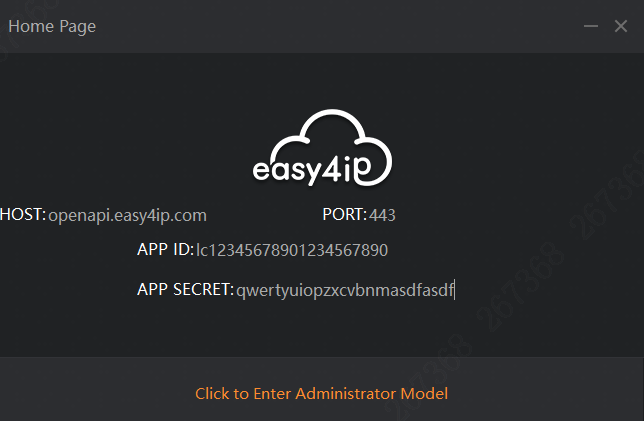
Enter authorization information:
Enter the App ID and App Secret on the startup page, and click "Click to experience the administrator mode:
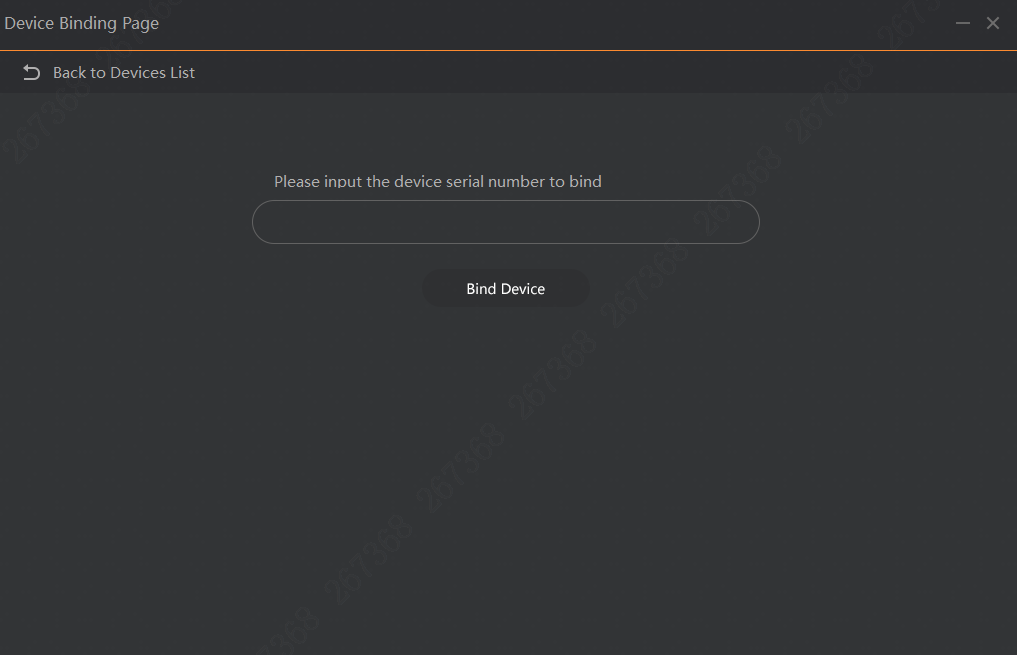
Add equipment
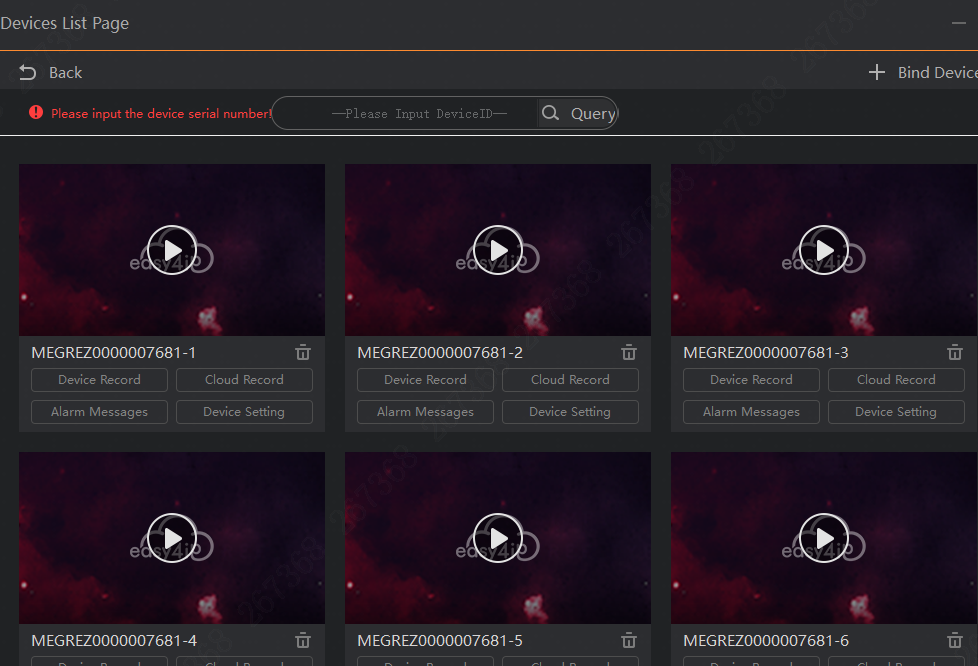
Device list page
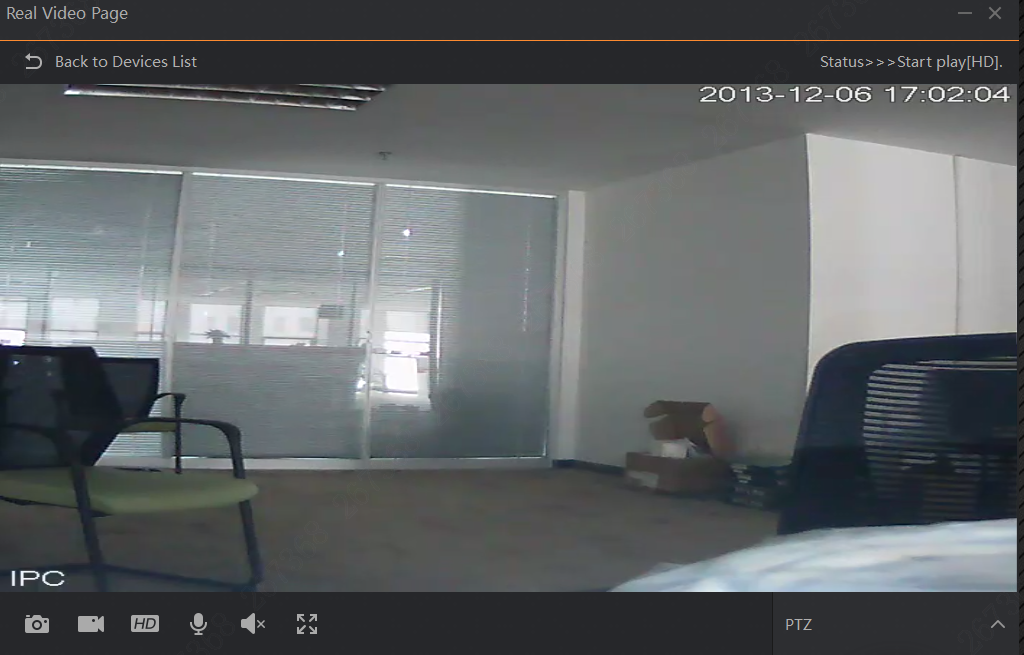
Video preview page
Precautions
Real camera equipment is required to add equipment. You can visit easy4ip official website to purchase equipment.
At present, the following functions have been implemented in the demo. Developers can refer to the source code in the demo during the subsequent development of their own applications.
| Number | Function |
|---|---|
| 1 | User bind accessToken |
| 2 | Simulated login of the administrator (obtain accessToken) |
| 3 | Device binding |
| 4 | Get device list |
| 5 | Device delete |
| 6 | Real-time video preview |
| 7 | Video query and playback |
| 8 | Alarm message query and view |
| 9 | Voice intercom |
| 10 | Equipment dynamic inspection plan switch |